November 14, 2025
Beginner’s Guide to TikTok Shop Live Selling
November 14, 2025
Beginner’s Guide to TikTok Shop Live Selling
Learn how to start TikTok Shop Live Selling with setup tips, product selection guidance, and beginner strategies to boost engagement and earn commissions.
Getting Started with TikTok Shop Live Selling: Your Ultimate Beginner’s Guide
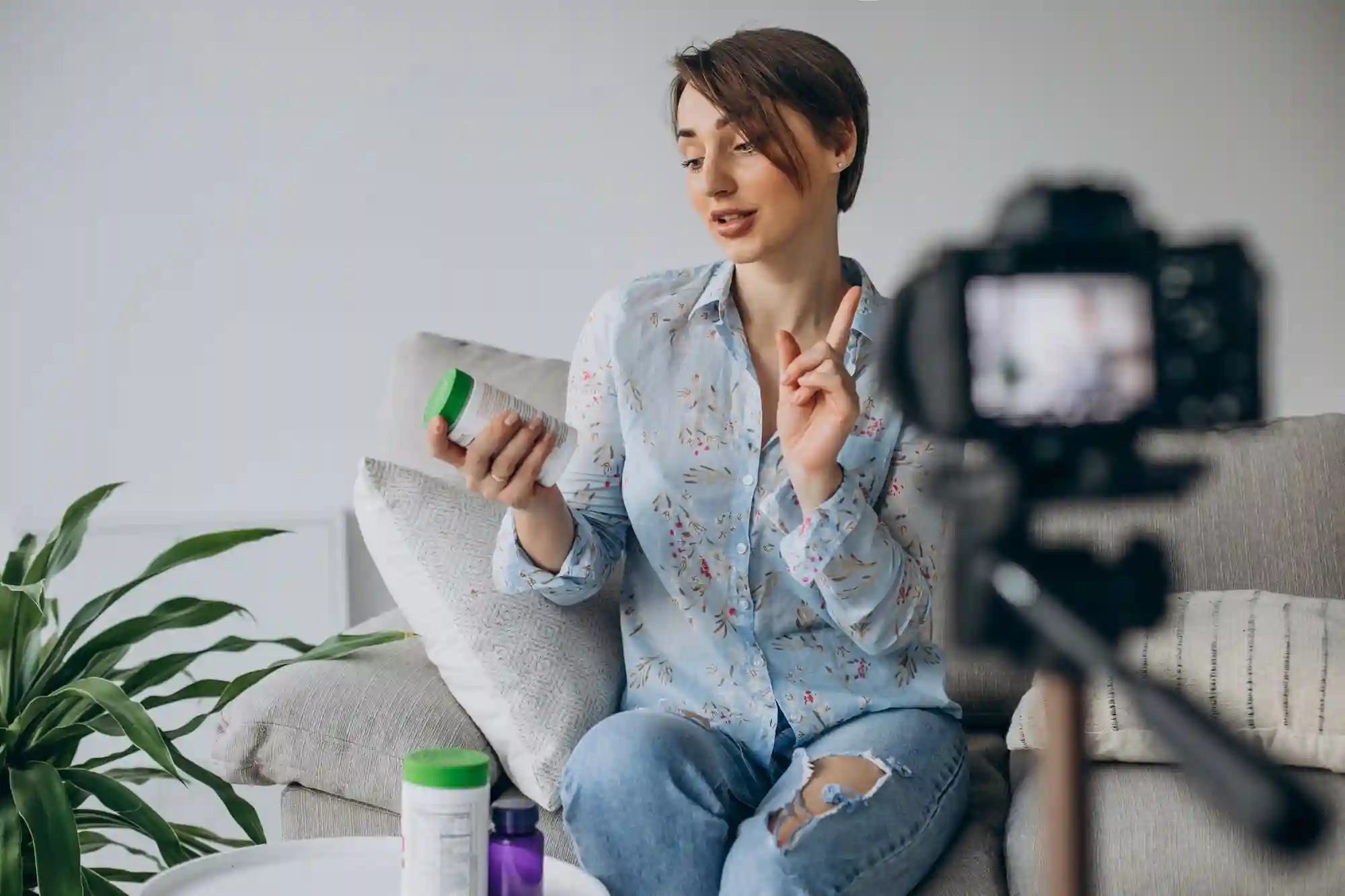
Welcome to TikTok Shop! If you’re eager to connect with your audience and earn commissions by selling products you love, live selling is an exciting way to do just that — all in real time. Whether you’re sharing your favorite finds or collaborating with sellers for exclusive flash sales and giveaways, live selling offers a dynamic way to boost your influence and income.
If you’re new to this, don’t worry. We’ll walk you through the basics to get you streaming with confidence.
🔑 The Essentials Before You Go Live
1. Meet the Live Streaming Requirements
To start live streaming on TikTok, you’ll need at least 1,000 followers. Plus, it’s crucial to follow TikTok’s community guidelines to keep your streams safe, engaging, and compliant—whether you’re hosting shoppable or non-shoppable live videos. For the detailed rules, check out TikTok’s official community guidelines.
2. Accessing the Live Shopping Features
Once you’re approved as a TikTok Shop creator with live permissions, here’s how to begin:
Open your device’s camera and swipe to the Live section.
Look for the shopping bag icon—this is your gateway to live selling tools.
Tap the shopping bag icon to open your shopping bag tray.
3. Preparing Your Product Lineup
Inside the tray, you’ll find:
Recommended products curated based on what typically sells well live.
Commission rates for each product to help you maximize earnings.
Select up to five products you feel confident recommending and demonstrating during your live. Not sure which products to pick? TikTok Shop Academy offers strategic tips to help you choose items that resonate with your audience.
🎬 Going Live: What to Expect and How to Prepare
1. Know Your Streaming Limits
When you’re just starting, you can stream up to three times a week.
Once you hit three sales or grow your following to 5,000 fans, you unlock unlimited shoppable live streaming—meaning you can go live as often as you want to boost sales and engagement.
2. How to Go Live
Tap Go Live on your mobile device.
Or, for a more professional setup, log into TikTok Live Manager on your desktop, schedule your live event, and stream from your laptop.
3. Practice Makes Perfect
Streaming can feel overwhelming at first. TikTok recommends using Practice Mode on mobile or experimenting with Live Manager on desktop to get comfortable with controls and the overall experience.
🎓 Learn and Grow With TikTok Shop Academy
If you want to refine your live selling skills, TikTok Shop Academy is packed with resources, including:
Best practices for engaging viewers.
Tips on product presentation and storytelling.
Strategies to boost sales through live.
🚀 Ready to Level Up Your TikTok Shop Live Sales?
At Zorilla Marketing, we specialize in helping brands and creators master TikTok Shop from perfecting your live selling approach to influencer partnerships that amplify your reach.
If you’re ready to take your live streams from zero to hero, get in touch with us. We’ll help you build a winning TikTok Shop strategy that drives engagement, sales, and growth.
Also read:
Getting Started with TikTok Shop Live Selling: Your Ultimate Beginner’s Guide
Welcome to TikTok Shop! If you’re eager to connect with your audience and earn commissions by selling products you love, live selling is an exciting way to do just that — all in real time. Whether you’re sharing your favorite finds or collaborating with sellers for exclusive flash sales and giveaways, live selling offers a dynamic way to boost your influence and income.
If you’re new to this, don’t worry. We’ll walk you through the basics to get you streaming with confidence.
🔑 The Essentials Before You Go Live
1. Meet the Live Streaming Requirements
To start live streaming on TikTok, you’ll need at least 1,000 followers. Plus, it’s crucial to follow TikTok’s community guidelines to keep your streams safe, engaging, and compliant—whether you’re hosting shoppable or non-shoppable live videos. For the detailed rules, check out TikTok’s official community guidelines.
2. Accessing the Live Shopping Features
Once you’re approved as a TikTok Shop creator with live permissions, here’s how to begin:
Open your device’s camera and swipe to the Live section.
Look for the shopping bag icon—this is your gateway to live selling tools.
Tap the shopping bag icon to open your shopping bag tray.
3. Preparing Your Product Lineup
Inside the tray, you’ll find:
Recommended products curated based on what typically sells well live.
Commission rates for each product to help you maximize earnings.
Select up to five products you feel confident recommending and demonstrating during your live. Not sure which products to pick? TikTok Shop Academy offers strategic tips to help you choose items that resonate with your audience.
🎬 Going Live: What to Expect and How to Prepare
1. Know Your Streaming Limits
When you’re just starting, you can stream up to three times a week.
Once you hit three sales or grow your following to 5,000 fans, you unlock unlimited shoppable live streaming—meaning you can go live as often as you want to boost sales and engagement.
2. How to Go Live
Tap Go Live on your mobile device.
Or, for a more professional setup, log into TikTok Live Manager on your desktop, schedule your live event, and stream from your laptop.
3. Practice Makes Perfect
Streaming can feel overwhelming at first. TikTok recommends using Practice Mode on mobile or experimenting with Live Manager on desktop to get comfortable with controls and the overall experience.
🎓 Learn and Grow With TikTok Shop Academy
If you want to refine your live selling skills, TikTok Shop Academy is packed with resources, including:
Best practices for engaging viewers.
Tips on product presentation and storytelling.
Strategies to boost sales through live.
🚀 Ready to Level Up Your TikTok Shop Live Sales?
At Zorilla Marketing, we specialize in helping brands and creators master TikTok Shop from perfecting your live selling approach to influencer partnerships that amplify your reach.
If you’re ready to take your live streams from zero to hero, get in touch with us. We’ll help you build a winning TikTok Shop strategy that drives engagement, sales, and growth.
Also read:


Learn how to start TikTok Shop Live Selling with setup tips, product selection guidance, and beginner strategies to boost engagement and earn commissions.
Getting Started with TikTok Shop Live Selling: Your Ultimate Beginner’s Guide
Welcome to TikTok Shop! If you’re eager to connect with your audience and earn commissions by selling products you love, live selling is an exciting way to do just that — all in real time. Whether you’re sharing your favorite finds or collaborating with sellers for exclusive flash sales and giveaways, live selling offers a dynamic way to boost your influence and income.
If you’re new to this, don’t worry. We’ll walk you through the basics to get you streaming with confidence.
🔑 The Essentials Before You Go Live
1. Meet the Live Streaming Requirements
To start live streaming on TikTok, you’ll need at least 1,000 followers. Plus, it’s crucial to follow TikTok’s community guidelines to keep your streams safe, engaging, and compliant—whether you’re hosting shoppable or non-shoppable live videos. For the detailed rules, check out TikTok’s official community guidelines.
2. Accessing the Live Shopping Features
Once you’re approved as a TikTok Shop creator with live permissions, here’s how to begin:
Open your device’s camera and swipe to the Live section.
Look for the shopping bag icon—this is your gateway to live selling tools.
Tap the shopping bag icon to open your shopping bag tray.
3. Preparing Your Product Lineup
Inside the tray, you’ll find:
Recommended products curated based on what typically sells well live.
Commission rates for each product to help you maximize earnings.
Select up to five products you feel confident recommending and demonstrating during your live. Not sure which products to pick? TikTok Shop Academy offers strategic tips to help you choose items that resonate with your audience.
🎬 Going Live: What to Expect and How to Prepare
1. Know Your Streaming Limits
When you’re just starting, you can stream up to three times a week.
Once you hit three sales or grow your following to 5,000 fans, you unlock unlimited shoppable live streaming—meaning you can go live as often as you want to boost sales and engagement.
2. How to Go Live
Tap Go Live on your mobile device.
Or, for a more professional setup, log into TikTok Live Manager on your desktop, schedule your live event, and stream from your laptop.
3. Practice Makes Perfect
Streaming can feel overwhelming at first. TikTok recommends using Practice Mode on mobile or experimenting with Live Manager on desktop to get comfortable with controls and the overall experience.
🎓 Learn and Grow With TikTok Shop Academy
If you want to refine your live selling skills, TikTok Shop Academy is packed with resources, including:
Best practices for engaging viewers.
Tips on product presentation and storytelling.
Strategies to boost sales through live.
🚀 Ready to Level Up Your TikTok Shop Live Sales?
At Zorilla Marketing, we specialize in helping brands and creators master TikTok Shop from perfecting your live selling approach to influencer partnerships that amplify your reach.
If you’re ready to take your live streams from zero to hero, get in touch with us. We’ll help you build a winning TikTok Shop strategy that drives engagement, sales, and growth.
Also read:
Other Blogs
Other Blogs
Check our other project Blogs with useful insight and information for your businesses



Other Blogs
Other Blogs
Check our other project Blogs with useful insight and information for your businesses