
November 19, 2025
TikTok LIVE Giveaway Upgrade: Drive Real Audience Engagement
November 19, 2025
TikTok LIVE Giveaway Upgrade: Drive Real Audience Engagement
TikTok's multi-task LIVE Giveaway upgrade boosts engagement & followers. Learn how to set up "Follow & Comment" tasks to grow your TikTok Shop.
LIVE Giveaway Just Got Smarter: How TikTok’s New Multi-Task Feature Helps Creators Drive Real Engagement
Running giveaways during TikTok LIVE sessions has long been a crowd-pleasing tactic to boost engagement. But let’s be honest — until now, many viewers joined just for the freebies and then vanished without a trace. TikTok’s latest update changes the game completely.
Introducing the LIVE Giveaway Task Upgrade, a new feature that lets creators go beyond basic engagement by combining multiple participation tasks — like “Follow” and “Comment” — to build a more loyal, engaged audience.
Let’s break down how this works and why it matters for brands and creators looking to win on TikTok Shop.
Why This Upgrade Matters
Go Beyond Passive Engagement
Before, giveaways only allowed one simple task — usually commenting — which didn’t do much for long-term growth. Now, by requiring viewers to follow your account and comment, you’re turning fleeting attention into potential customer relationships.
Drive Targeted Engagement
Want your audience to leave a comment related to a product feature or promo? You can set custom comment prompts that spark genuine interest — and boost watch time in the process.
Grow Your Follower Base Organically
By making “Follow” a condition for entry, your LIVE sessions become a powerful growth lever. Every giveaway can now directly contribute to growing your TikTok Shop presence.
How to Set It Up: Quick Overview
Setting up a LIVE Giveaway with multi-tasks is seamless — whether you’re doing it from the TikTok app or LIVE Manager.
On the TikTok App:
Coordinate with Sellers: Get the product and quantity for the giveaway confirmed.
Create the Giveaway: Go to the LIVE Giveaway tab via “Shop LIVE.”
Select Participation Tasks: Choose “Follow me,” “Comment,” or both.
Confirm and Launch: Once you publish, the giveaway begins with a visible countdown and billboard in the LIVE room.
On LIVE Manager (PC):
Collaborate with Sellers ahead of time to confirm giveaway products.
Navigate to LIVE Giveaway Tab on your dashboard.
Create a Giveaway with multiple participation tasks.
Launch & Track Results directly from your dashboard interface.
Bonus: You can edit, delete, or even track prize deliveries post-LIVE — all in one place.
How Viewers See It
During a LIVE session, giveaways are announced with a countdown timer and task reminders, like “Follow & Comment to Enter.” This keeps the energy high, encourages real-time interaction, and motivates viewers to stick around.
Why This Matters for TikTok Shop Growth
At Zorilla Marketing, we’re constantly helping brands and creators unlock better ROI from TikTok LIVE. This upgraded Giveaway feature is a perfect example of a tool that bridges short-term hype with long-term growth — turning passive viewers into loyal followers, and followers into customers.
Whether you're running a single campaign or building a full-funnel strategy, tools like this are essential to making LIVE commerce work harder for you.
Also read:
LIVE Giveaway Just Got Smarter: How TikTok’s New Multi-Task Feature Helps Creators Drive Real Engagement
Running giveaways during TikTok LIVE sessions has long been a crowd-pleasing tactic to boost engagement. But let’s be honest — until now, many viewers joined just for the freebies and then vanished without a trace. TikTok’s latest update changes the game completely.
Introducing the LIVE Giveaway Task Upgrade, a new feature that lets creators go beyond basic engagement by combining multiple participation tasks — like “Follow” and “Comment” — to build a more loyal, engaged audience.
Let’s break down how this works and why it matters for brands and creators looking to win on TikTok Shop.
Why This Upgrade Matters
Go Beyond Passive Engagement
Before, giveaways only allowed one simple task — usually commenting — which didn’t do much for long-term growth. Now, by requiring viewers to follow your account and comment, you’re turning fleeting attention into potential customer relationships.
Drive Targeted Engagement
Want your audience to leave a comment related to a product feature or promo? You can set custom comment prompts that spark genuine interest — and boost watch time in the process.
Grow Your Follower Base Organically
By making “Follow” a condition for entry, your LIVE sessions become a powerful growth lever. Every giveaway can now directly contribute to growing your TikTok Shop presence.
How to Set It Up: Quick Overview
Setting up a LIVE Giveaway with multi-tasks is seamless — whether you’re doing it from the TikTok app or LIVE Manager.
On the TikTok App:
Coordinate with Sellers: Get the product and quantity for the giveaway confirmed.
Create the Giveaway: Go to the LIVE Giveaway tab via “Shop LIVE.”
Select Participation Tasks: Choose “Follow me,” “Comment,” or both.
Confirm and Launch: Once you publish, the giveaway begins with a visible countdown and billboard in the LIVE room.
On LIVE Manager (PC):
Collaborate with Sellers ahead of time to confirm giveaway products.
Navigate to LIVE Giveaway Tab on your dashboard.
Create a Giveaway with multiple participation tasks.
Launch & Track Results directly from your dashboard interface.
Bonus: You can edit, delete, or even track prize deliveries post-LIVE — all in one place.
How Viewers See It
During a LIVE session, giveaways are announced with a countdown timer and task reminders, like “Follow & Comment to Enter.” This keeps the energy high, encourages real-time interaction, and motivates viewers to stick around.
Why This Matters for TikTok Shop Growth
At Zorilla Marketing, we’re constantly helping brands and creators unlock better ROI from TikTok LIVE. This upgraded Giveaway feature is a perfect example of a tool that bridges short-term hype with long-term growth — turning passive viewers into loyal followers, and followers into customers.
Whether you're running a single campaign or building a full-funnel strategy, tools like this are essential to making LIVE commerce work harder for you.
Also read:
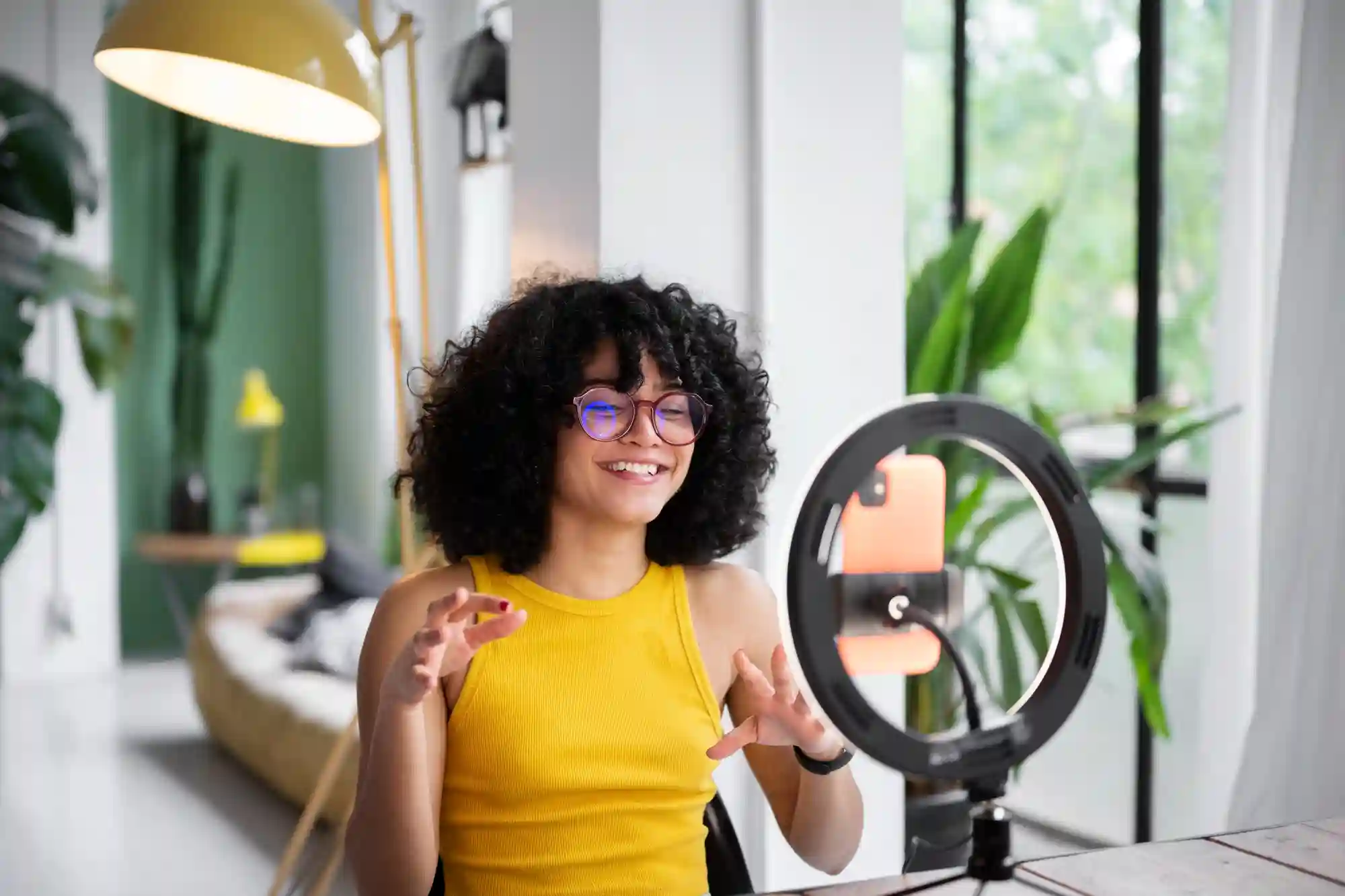
TikTok's multi-task LIVE Giveaway upgrade boosts engagement & followers. Learn how to set up "Follow & Comment" tasks to grow your TikTok Shop.
LIVE Giveaway Just Got Smarter: How TikTok’s New Multi-Task Feature Helps Creators Drive Real Engagement
Running giveaways during TikTok LIVE sessions has long been a crowd-pleasing tactic to boost engagement. But let’s be honest — until now, many viewers joined just for the freebies and then vanished without a trace. TikTok’s latest update changes the game completely.
Introducing the LIVE Giveaway Task Upgrade, a new feature that lets creators go beyond basic engagement by combining multiple participation tasks — like “Follow” and “Comment” — to build a more loyal, engaged audience.
Let’s break down how this works and why it matters for brands and creators looking to win on TikTok Shop.
Why This Upgrade Matters
Go Beyond Passive Engagement
Before, giveaways only allowed one simple task — usually commenting — which didn’t do much for long-term growth. Now, by requiring viewers to follow your account and comment, you’re turning fleeting attention into potential customer relationships.
Drive Targeted Engagement
Want your audience to leave a comment related to a product feature or promo? You can set custom comment prompts that spark genuine interest — and boost watch time in the process.
Grow Your Follower Base Organically
By making “Follow” a condition for entry, your LIVE sessions become a powerful growth lever. Every giveaway can now directly contribute to growing your TikTok Shop presence.
How to Set It Up: Quick Overview
Setting up a LIVE Giveaway with multi-tasks is seamless — whether you’re doing it from the TikTok app or LIVE Manager.
On the TikTok App:
Coordinate with Sellers: Get the product and quantity for the giveaway confirmed.
Create the Giveaway: Go to the LIVE Giveaway tab via “Shop LIVE.”
Select Participation Tasks: Choose “Follow me,” “Comment,” or both.
Confirm and Launch: Once you publish, the giveaway begins with a visible countdown and billboard in the LIVE room.
On LIVE Manager (PC):
Collaborate with Sellers ahead of time to confirm giveaway products.
Navigate to LIVE Giveaway Tab on your dashboard.
Create a Giveaway with multiple participation tasks.
Launch & Track Results directly from your dashboard interface.
Bonus: You can edit, delete, or even track prize deliveries post-LIVE — all in one place.
How Viewers See It
During a LIVE session, giveaways are announced with a countdown timer and task reminders, like “Follow & Comment to Enter.” This keeps the energy high, encourages real-time interaction, and motivates viewers to stick around.
Why This Matters for TikTok Shop Growth
At Zorilla Marketing, we’re constantly helping brands and creators unlock better ROI from TikTok LIVE. This upgraded Giveaway feature is a perfect example of a tool that bridges short-term hype with long-term growth — turning passive viewers into loyal followers, and followers into customers.
Whether you're running a single campaign or building a full-funnel strategy, tools like this are essential to making LIVE commerce work harder for you.
Also read:
Other Blogs
Other Blogs
Check our other project Blogs with useful insight and information for your businesses



Other Blogs
Other Blogs
Check our other project Blogs with useful insight and information for your businesses