November 18, 2025
Unified LIVE Dashboard: Optimize Your TikTok Shop LIVE Performance
November 18, 2025
Unified LIVE Dashboard: Optimize Your TikTok Shop LIVE Performance
Learn about TikTok's Unified LIVE Dashboard for PC. Track real-time sales, viewer trends, and product performance to optimize your TikTok Shop LIVE streams and boost revenue.
Introducing the Unified LIVE Dashboard: Your All-in-One Solution to Track and Optimize TikTok LIVE Performance
If you’re a creator or seller hosting TikTok Shop LIVE sessions, you know how crucial it is to monitor your performance in real time — and make data-driven decisions that boost engagement and sales. But juggling multiple metrics, channels, and product-level details can be overwhelming.
That’s why TikTok has launched the Unified LIVE Dashboard on PC — a centralized hub designed to give you comprehensive insights during and after your LIVE streams, all in one place. Whether you want to track viewer trends, conversion funnels, product performance, or even violations, this dashboard is built to help you understand your LIVE’s rhythm and maximize its impact.
At Zorilla Marketing, we help brands harness TikTok’s powerful LIVE tools, and this new dashboard is a game changer for those seeking clarity and control. Let’s dive into what makes it invaluable and how you can use it to level up your LIVE strategy.
Why the Unified LIVE Dashboard Matters
Creators and sellers often juggle many data points when managing a LIVE session. The Unified LIVE Dashboard simplifies this by consolidating:
High-level LIVE metrics (traffic, sales, conversion rates) with market benchmarks
Real-time trend analysis showing how your audience engages at different moments
Channel and traffic source breakdowns so you know where your viewers come from
Product-level performance and violations to optimize your inventory and compliance
LIVE replay with synced comments for sentiment tracking and engagement analysis
This one-stop tool helps you quickly spot what’s working, identify issues, and take timely action to improve your LIVE outcomes.
Key Features & Use Cases
1. Track Your LIVE Performance in Real Time and After
Get a snapshot of your session’s core financial and engagement metrics with customizable views — from overall traffic to product conversions. The dashboard highlights your weakest performing metrics compared to market averages, so you know where to focus.
2. Understand Viewer Trends and Engagement Patterns
Analyze how viewers join, engage, and convert over time. You can zoom into specific time segments to spot spikes or drops in attention, and correlate those with events like product pins or promotions.
3. Deep Dive Into Traffic Sources and Audience Profiles
See which channels (paid or organic) drive the most views and sales, so you can optimize your marketing spend. Understand your audience demographics, including follower status, age, and gender, and tailor your content accordingly.
4. Optimize Channel Strategy With Comparative Analytics
Compare up to five traffic sources side-by-side in real time to identify your most effective channels and uncover growth opportunities.
5. Manage Product Performance and Compliance
Monitor individual product views, sales, and conversion rates. Pin top performers directly from the dashboard and review system-generated talking points. Track violations with clear reasons and remediation options, and launch or assess giveaways — all from one interface.
6. Replay Your LIVE and Analyze Viewer Sentiment
Watch your LIVE replay synced with real-time comments to capture viewer reactions and FAQs. Click on trend graphs to jump to specific moments in the video, helping refine your future engagement tactics.
How to Access the Unified LIVE Dashboard
During your LIVE: Access it through LIVE Manager on the PC Streamer Desktop via the dashboard button.
After your LIVE: Navigate to Livestream Analytics on the PC and select your LIVE room to open the dashboard.
Note: Currently, this feature is available on PC only, while in-app real-time insights continue to support LIVE monitoring on mobile.
Why Zorilla Marketing Recommends This Tool
The Unified LIVE Dashboard equips sellers and creators with actionable, granular data — empowering you to pivot quickly and deliver better live shopping experiences. At Zorilla Marketing, we integrate this data-driven approach into our TikTok Shop growth strategies, ensuring our clients maximize reach, engagement, and revenue from every LIVE event.
Ready to Unlock Your TikTok LIVE Potential?
If you want expert guidance on how to make the most of TikTok Shop’s LIVE features, including the Unified LIVE Dashboard, reach out to Zorilla Marketing. Let’s elevate your LIVE shopping game together.
Also read:
Introducing the Unified LIVE Dashboard: Your All-in-One Solution to Track and Optimize TikTok LIVE Performance
If you’re a creator or seller hosting TikTok Shop LIVE sessions, you know how crucial it is to monitor your performance in real time — and make data-driven decisions that boost engagement and sales. But juggling multiple metrics, channels, and product-level details can be overwhelming.
That’s why TikTok has launched the Unified LIVE Dashboard on PC — a centralized hub designed to give you comprehensive insights during and after your LIVE streams, all in one place. Whether you want to track viewer trends, conversion funnels, product performance, or even violations, this dashboard is built to help you understand your LIVE’s rhythm and maximize its impact.
At Zorilla Marketing, we help brands harness TikTok’s powerful LIVE tools, and this new dashboard is a game changer for those seeking clarity and control. Let’s dive into what makes it invaluable and how you can use it to level up your LIVE strategy.
Why the Unified LIVE Dashboard Matters
Creators and sellers often juggle many data points when managing a LIVE session. The Unified LIVE Dashboard simplifies this by consolidating:
High-level LIVE metrics (traffic, sales, conversion rates) with market benchmarks
Real-time trend analysis showing how your audience engages at different moments
Channel and traffic source breakdowns so you know where your viewers come from
Product-level performance and violations to optimize your inventory and compliance
LIVE replay with synced comments for sentiment tracking and engagement analysis
This one-stop tool helps you quickly spot what’s working, identify issues, and take timely action to improve your LIVE outcomes.
Key Features & Use Cases
1. Track Your LIVE Performance in Real Time and After
Get a snapshot of your session’s core financial and engagement metrics with customizable views — from overall traffic to product conversions. The dashboard highlights your weakest performing metrics compared to market averages, so you know where to focus.
2. Understand Viewer Trends and Engagement Patterns
Analyze how viewers join, engage, and convert over time. You can zoom into specific time segments to spot spikes or drops in attention, and correlate those with events like product pins or promotions.
3. Deep Dive Into Traffic Sources and Audience Profiles
See which channels (paid or organic) drive the most views and sales, so you can optimize your marketing spend. Understand your audience demographics, including follower status, age, and gender, and tailor your content accordingly.
4. Optimize Channel Strategy With Comparative Analytics
Compare up to five traffic sources side-by-side in real time to identify your most effective channels and uncover growth opportunities.
5. Manage Product Performance and Compliance
Monitor individual product views, sales, and conversion rates. Pin top performers directly from the dashboard and review system-generated talking points. Track violations with clear reasons and remediation options, and launch or assess giveaways — all from one interface.
6. Replay Your LIVE and Analyze Viewer Sentiment
Watch your LIVE replay synced with real-time comments to capture viewer reactions and FAQs. Click on trend graphs to jump to specific moments in the video, helping refine your future engagement tactics.
How to Access the Unified LIVE Dashboard
During your LIVE: Access it through LIVE Manager on the PC Streamer Desktop via the dashboard button.
After your LIVE: Navigate to Livestream Analytics on the PC and select your LIVE room to open the dashboard.
Note: Currently, this feature is available on PC only, while in-app real-time insights continue to support LIVE monitoring on mobile.
Why Zorilla Marketing Recommends This Tool
The Unified LIVE Dashboard equips sellers and creators with actionable, granular data — empowering you to pivot quickly and deliver better live shopping experiences. At Zorilla Marketing, we integrate this data-driven approach into our TikTok Shop growth strategies, ensuring our clients maximize reach, engagement, and revenue from every LIVE event.
Ready to Unlock Your TikTok LIVE Potential?
If you want expert guidance on how to make the most of TikTok Shop’s LIVE features, including the Unified LIVE Dashboard, reach out to Zorilla Marketing. Let’s elevate your LIVE shopping game together.
Also read:

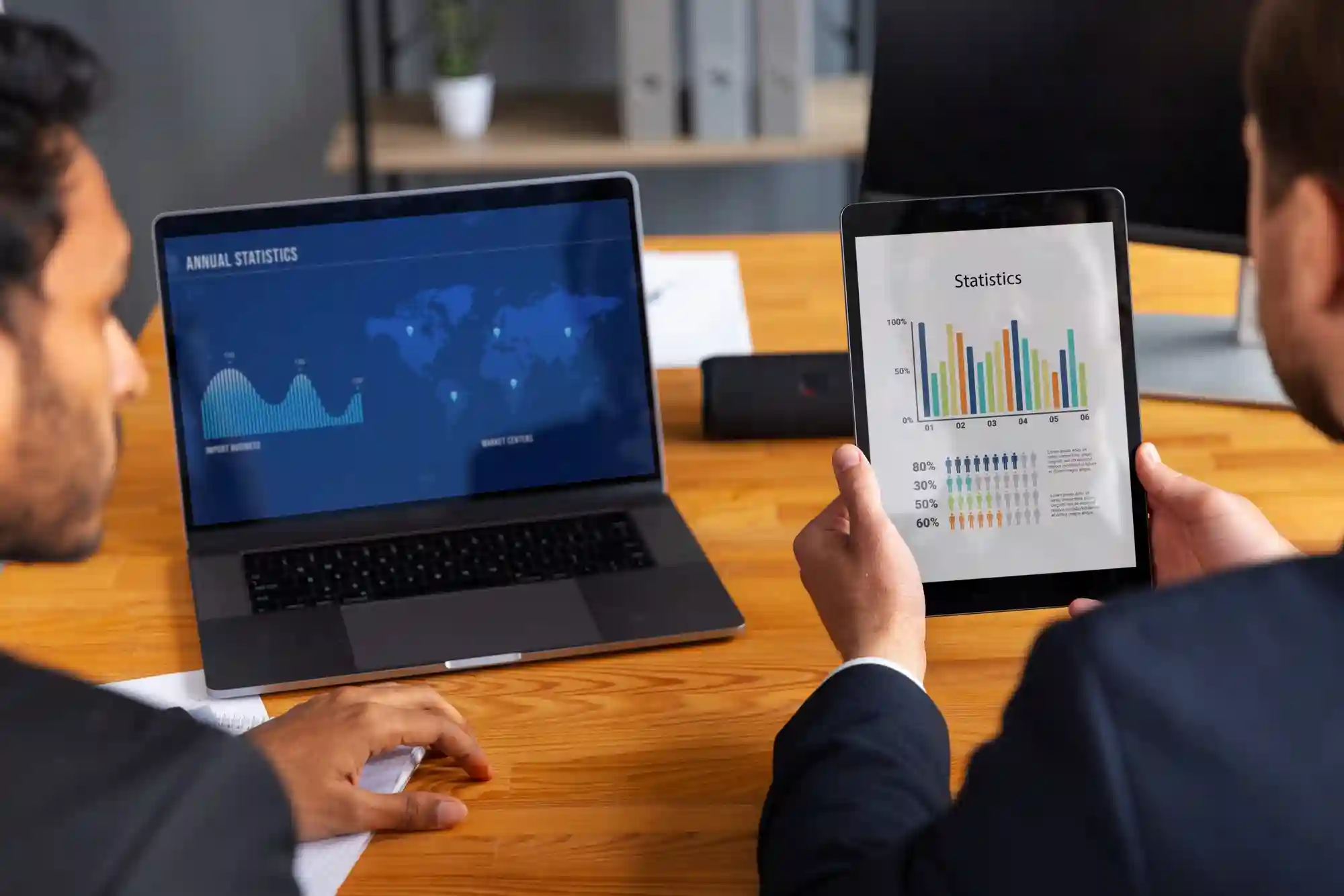
Learn about TikTok's Unified LIVE Dashboard for PC. Track real-time sales, viewer trends, and product performance to optimize your TikTok Shop LIVE streams and boost revenue.
Introducing the Unified LIVE Dashboard: Your All-in-One Solution to Track and Optimize TikTok LIVE Performance
If you’re a creator or seller hosting TikTok Shop LIVE sessions, you know how crucial it is to monitor your performance in real time — and make data-driven decisions that boost engagement and sales. But juggling multiple metrics, channels, and product-level details can be overwhelming.
That’s why TikTok has launched the Unified LIVE Dashboard on PC — a centralized hub designed to give you comprehensive insights during and after your LIVE streams, all in one place. Whether you want to track viewer trends, conversion funnels, product performance, or even violations, this dashboard is built to help you understand your LIVE’s rhythm and maximize its impact.
At Zorilla Marketing, we help brands harness TikTok’s powerful LIVE tools, and this new dashboard is a game changer for those seeking clarity and control. Let’s dive into what makes it invaluable and how you can use it to level up your LIVE strategy.
Why the Unified LIVE Dashboard Matters
Creators and sellers often juggle many data points when managing a LIVE session. The Unified LIVE Dashboard simplifies this by consolidating:
High-level LIVE metrics (traffic, sales, conversion rates) with market benchmarks
Real-time trend analysis showing how your audience engages at different moments
Channel and traffic source breakdowns so you know where your viewers come from
Product-level performance and violations to optimize your inventory and compliance
LIVE replay with synced comments for sentiment tracking and engagement analysis
This one-stop tool helps you quickly spot what’s working, identify issues, and take timely action to improve your LIVE outcomes.
Key Features & Use Cases
1. Track Your LIVE Performance in Real Time and After
Get a snapshot of your session’s core financial and engagement metrics with customizable views — from overall traffic to product conversions. The dashboard highlights your weakest performing metrics compared to market averages, so you know where to focus.
2. Understand Viewer Trends and Engagement Patterns
Analyze how viewers join, engage, and convert over time. You can zoom into specific time segments to spot spikes or drops in attention, and correlate those with events like product pins or promotions.
3. Deep Dive Into Traffic Sources and Audience Profiles
See which channels (paid or organic) drive the most views and sales, so you can optimize your marketing spend. Understand your audience demographics, including follower status, age, and gender, and tailor your content accordingly.
4. Optimize Channel Strategy With Comparative Analytics
Compare up to five traffic sources side-by-side in real time to identify your most effective channels and uncover growth opportunities.
5. Manage Product Performance and Compliance
Monitor individual product views, sales, and conversion rates. Pin top performers directly from the dashboard and review system-generated talking points. Track violations with clear reasons and remediation options, and launch or assess giveaways — all from one interface.
6. Replay Your LIVE and Analyze Viewer Sentiment
Watch your LIVE replay synced with real-time comments to capture viewer reactions and FAQs. Click on trend graphs to jump to specific moments in the video, helping refine your future engagement tactics.
How to Access the Unified LIVE Dashboard
During your LIVE: Access it through LIVE Manager on the PC Streamer Desktop via the dashboard button.
After your LIVE: Navigate to Livestream Analytics on the PC and select your LIVE room to open the dashboard.
Note: Currently, this feature is available on PC only, while in-app real-time insights continue to support LIVE monitoring on mobile.
Why Zorilla Marketing Recommends This Tool
The Unified LIVE Dashboard equips sellers and creators with actionable, granular data — empowering you to pivot quickly and deliver better live shopping experiences. At Zorilla Marketing, we integrate this data-driven approach into our TikTok Shop growth strategies, ensuring our clients maximize reach, engagement, and revenue from every LIVE event.
Ready to Unlock Your TikTok LIVE Potential?
If you want expert guidance on how to make the most of TikTok Shop’s LIVE features, including the Unified LIVE Dashboard, reach out to Zorilla Marketing. Let’s elevate your LIVE shopping game together.
Also read:
Other Blogs
Other Blogs
Check our other project Blogs with useful insight and information for your businesses



Other Blogs
Other Blogs
Check our other project Blogs with useful insight and information for your businesses